The Blue Hour

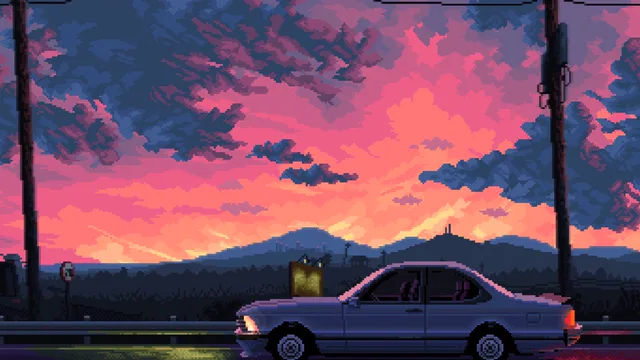
The Blue Hour focuses on the short transition when a city has entered evening but the horizon still holds traces of sunset. Deep blue surroundings make the golden streetlights feel warmer, while pink and gold in the remaining sky keep the scene from becoming fully nocturnal. The balanced palette gives urban viewers a recognizable time of day without relying on heavy neon or a busy cyberpunk setting.


3840 × 2160MP416:90:32
Desktop fit

Where this loop fits

Calm, transitional, and gently luminous, the city scene feels suited to winding down rather than switching off. It works during evening planning, reading, or quiet music when cool surroundings and warm points of light create a measured pace.

Download choice

Choose the right file

For a smaller download, choose the HD file at 1920×1080 (3.7 MB). Choose the source file at 3840×2160 (18.5 MB) when you want its native dimensions. Both file records list a duration of about 32 seconds.

Playback

What to expect from the file

This download is an MP4 video file, not an app or installer. Its listed duration is about 32 seconds. The 16:9 frame matches the shape of a standard widescreen display.

Three quick steps

Set this wallpaper on Windows

  1. Choose HD at 1920×1080 (3.7 MB) or the source file at 3840×2160 (18.5 MB).
  2. Open Lively Wallpaper and drag the MP4 into its library.
  3. Select the wallpaper in Lively and apply it to the display you want.