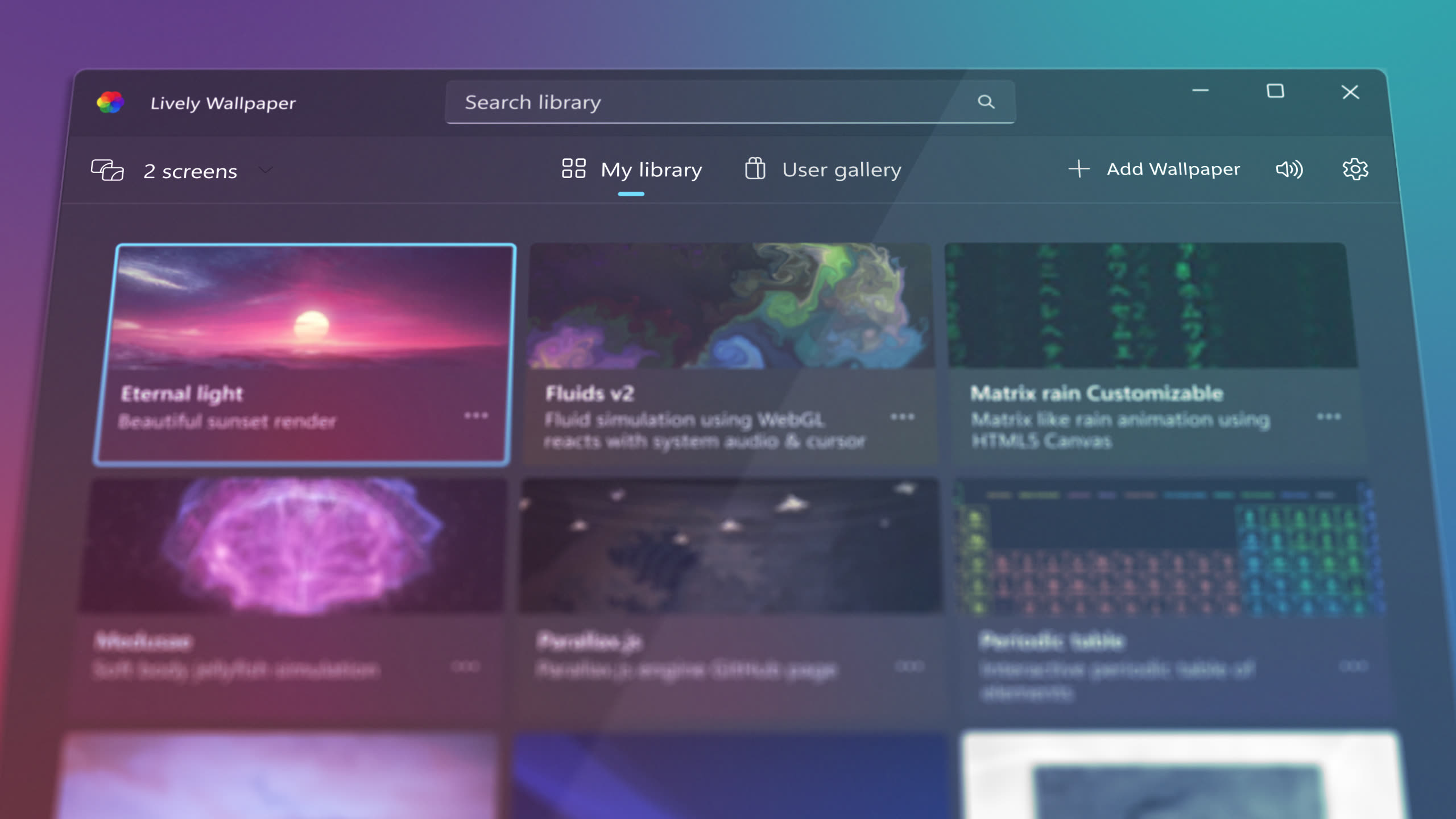
Get animated desktop wallpapers for Windows 10 and 11. Completely free, no ads, no subscriptions. Open-source under GPL-3.0 license.
Install from the Microsoft Store for automatic updates, or use the GitHub direct download for the official installer.
Official sources · Windows 10 & 11 · Free and open-source
Lively Wallpaper interface - Award-winning free animated wallpaper app
No complex setup required. The entire process takes under a minute on most systems.
Click the download button above to get the latest installer. The file is approximately 200 MB and includes everything you need to get started.
Open the installer only if it was downloaded directly from the Microsoft Store or the official GitHub release, then follow the setup wizard. If Windows or security software displays a warning, stop and verify the download source and file details with the official project before continuing.
Lively launches with a built-in library of wallpapers. Browse the collection, or drag and drop any video, GIF, HTML file, or URL into the app window to add your own.
Your wallpaper is now live! Lively runs in the system tray and starts automatically with Windows. Customize pause rules, audio, and performance in Settings.
Lively is designed to be lightweight. It runs smoothly on entry-level hardware while scaling up for 4K and shader-heavy wallpapers on more powerful systems.
Higher-end hardware enables 4K and shader-heavy wallpapers with minimal performance impact.
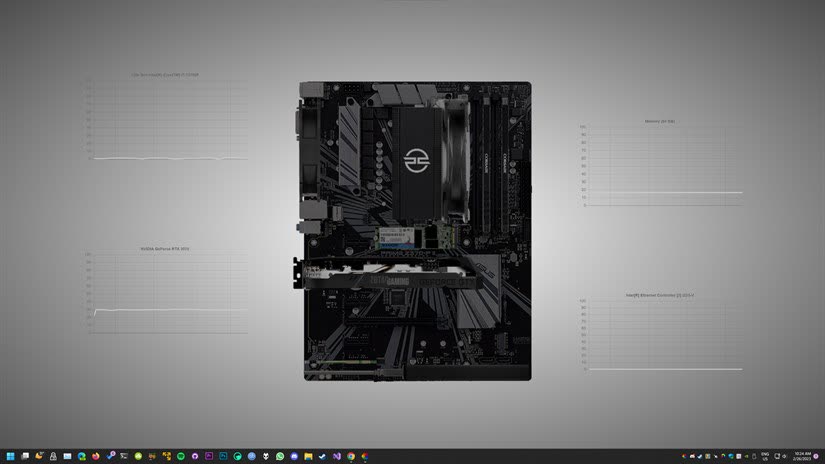
Running into issues? Here are solutions to common installation problems.
Lively requires Microsoft Edge WebView2 Runtime for HTML and web wallpapers. On most Windows 10/11 systems this is pre-installed. If web wallpapers don't work, download the WebView2 Runtime from Microsoft's official website.
Try running the installer as Administrator (right-click > "Run as administrator"). Ensure Windows is fully updated. If the problem persists, contact support with your Windows version and error details.