Desktop fitWhere this loop fits
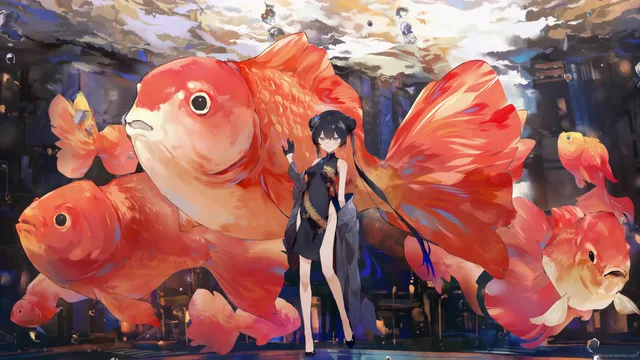
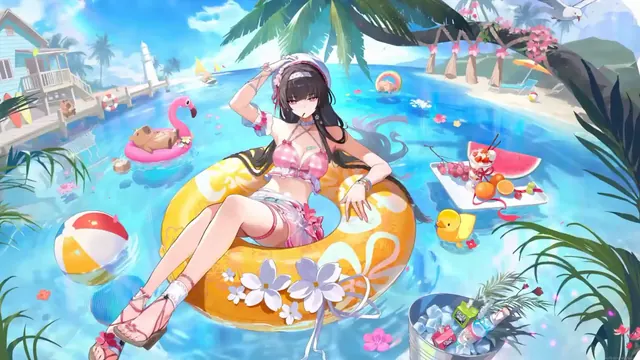
Designed by its labeling for a Windows 11-themed setup, it also fits Blue Archive and Hoshino collections. The available source does not specify colors, desktop icon spacing, character placement, or motion behavior.
Download choiceChoose the right file
For a smaller download, choose the HD file at 1920×1080 (2.1 MB). Choose the source file at 3840×2160 (9.8 MB) when you want its native dimensions. Both file records list a duration of about 16 seconds.
PlaybackWhat to expect from the file
This download is an MP4 video file, not an app or installer. Its listed duration is about 16 seconds. The 16:9 frame matches the shape of a standard widescreen display.