Cozy Minecraft Harbor View

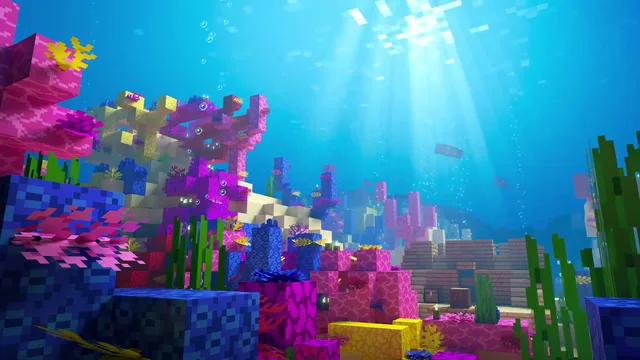
This Minecraft wallpaper looks across a cozy harbor, using the block-built waterfront as its defining subject. The setting offers a scenic alternative to character art while retaining the familiar creative language of the game. It works especially well for players who enjoy settlements, building projects, and lived-in world design rather than combat-centered imagery.
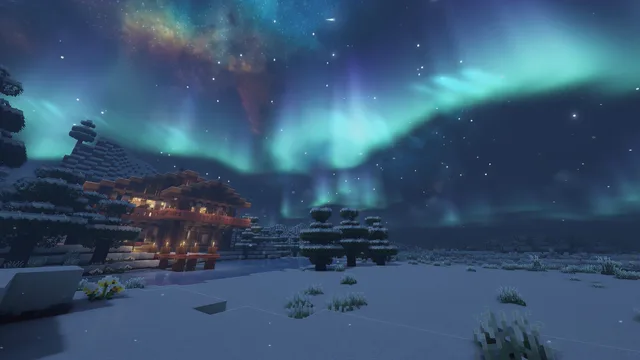

2560 × 1440MP416:90:18
TagsGames
Desktop fit

Where this loop fits

The harbor theme feels open and unhurried, making it suitable for study, browsing, or a relaxed building-game setup. Keep desktop icons over the quieter water or sky area when available so the structures along the waterfront remain easy to see.

Download choice

Choose the right file

For a smaller download, choose the HD file at 1920×1080 (4.4 MB). Choose the source file at 2560×1440 (10.2 MB) when you want its native dimensions. Both file records list a duration of about 18 seconds.

Playback

What to expect from the file

This download is an MP4 video file, not an app or installer. Its listed duration is about 18 seconds. The 16:9 frame matches the shape of a standard widescreen display.

Three quick steps

Set this wallpaper on Windows

  1. Choose HD at 1920×1080 (4.4 MB) or the source file at 2560×1440 (10.2 MB).
  2. Open Lively Wallpaper and drag the MP4 into its library.
  3. Select the wallpaper in Lively and apply it to the display you want.