Explore what users create with Lively Wallpaper. From interactive fluid simulations to retro video displays, see the full range of animated desktop experiences.
Real recordings of Lively Wallpaper running on Windows desktops
App library with fluid simulation wallpaper running live
Animated night scene with parallax and shooting stars
Any video file as a live desktop background
Wallpapers that react to your music in real-time
AI-powered parallax depth from any image
Use any wallpaper as your Windows screen saver
Physical knob controlling wallpaper parameters
Run Unity/Godot games as desktop backgrounds
The Lively Wallpaper interface and wallpaper examples
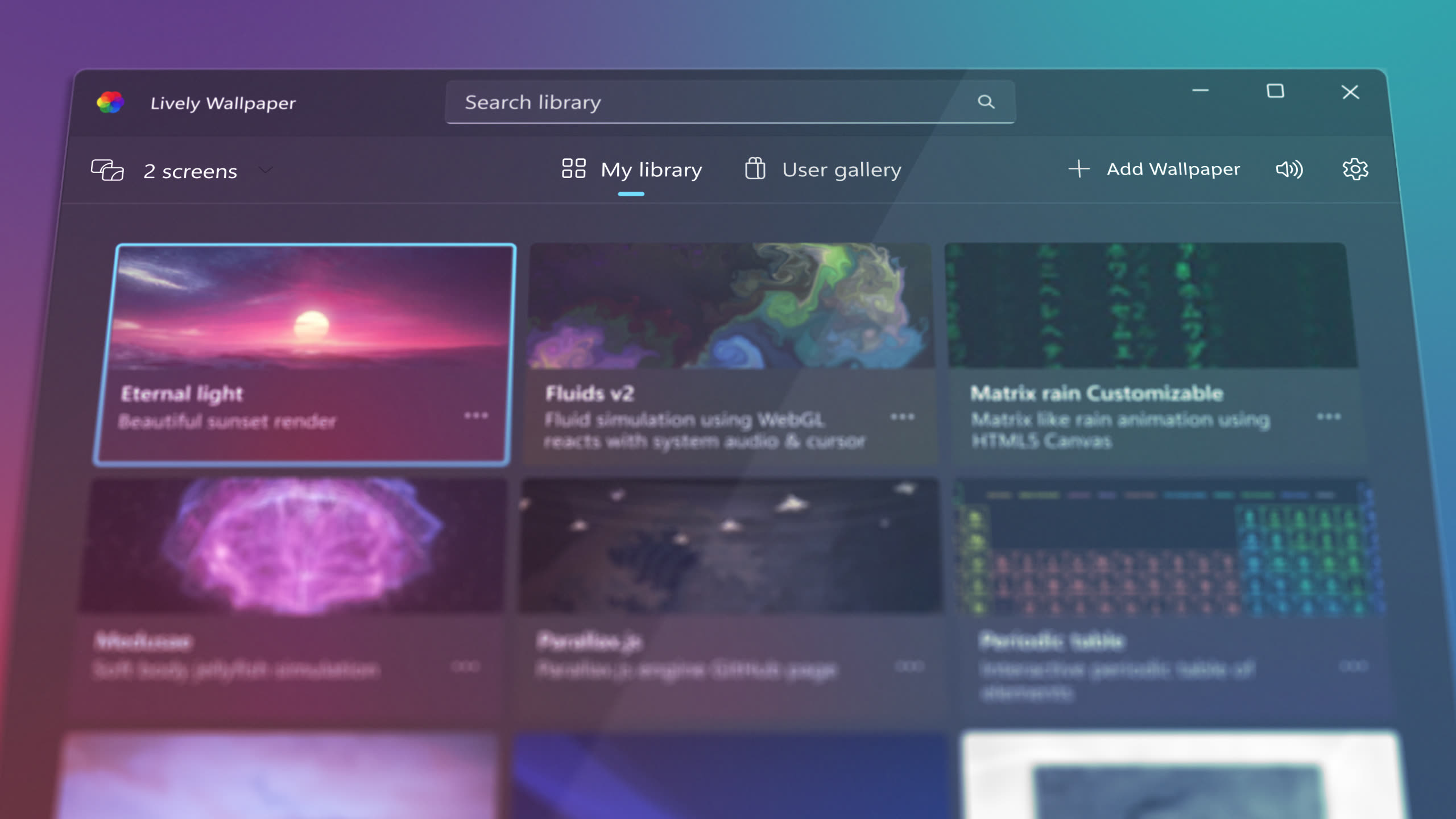
Award-winning design with intuitive wallpaper browsing
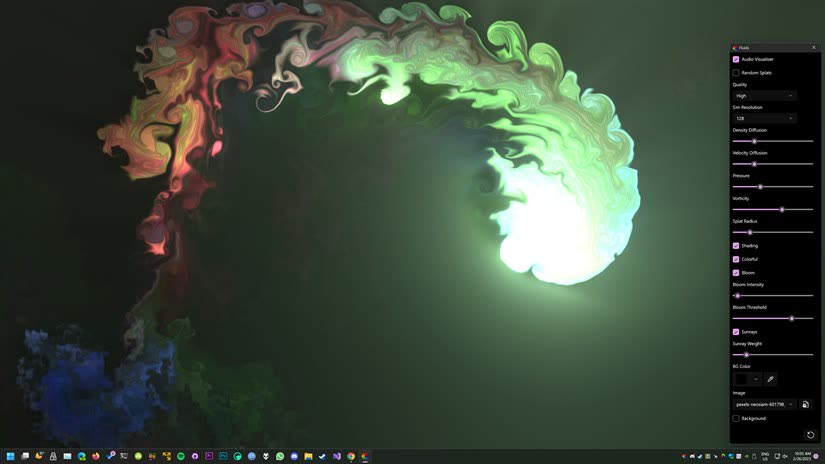
Interactive shader with real-time parameter controls
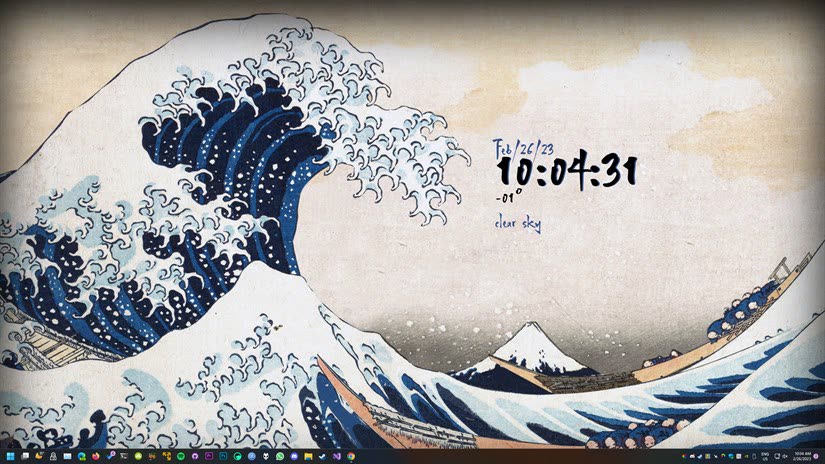
Classic artwork with interactive clock and weather
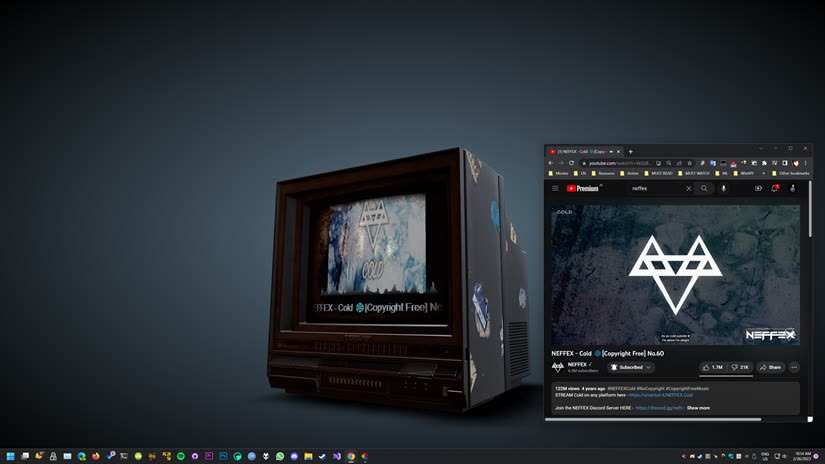
Stream any YouTube video on your desktop
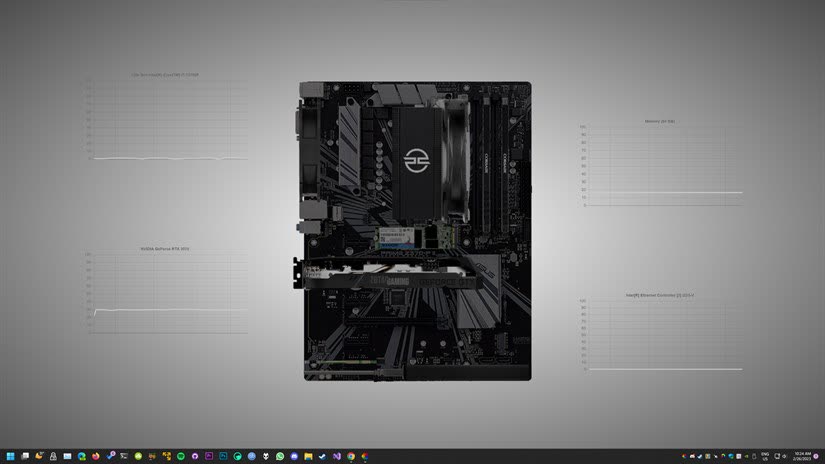
Live system stats on your desktop background
Lively supports a wide range of wallpaper types. Here is what each screenshot in the gallery demonstrates.
The retro TV screenshot shows a YouTube URL rendered directly as your desktop wallpaper. Lively supports MP4, WebM, AVI, MOV, MKV, and animated GIF files with hardware-accelerated playback. You can also paste any YouTube URL and Lively will stream it in the background with full audio support and playback controls.
The fluid simulation and hardware monitor screenshots are interactive HTML wallpapers powered by Chromium WebView2. These wallpapers react to mouse input in real time and can display live data like CPU temperature, RAM usage, and GPU stats. Web wallpapers use HTML, CSS, and JavaScript, giving creators unlimited creative freedom.
GLSL shader wallpapers produce stunning visual effects with minimal resource usage. The fluid simulation is an example of shader-powered visuals rendered on the GPU. Lively can import shaders directly from Shadertoy or run custom GLSL code, making it easy to create mesmerizing procedural animations and generative art.
Any website or web app can become a live wallpaper. The Japanese wave art with the clock widget overlay demonstrates how Lively combines static artwork with live web elements. Enter any URL, and Lively renders it on your desktop with full interactivity, including weather widgets, news feeds, dashboards, and more.
Download Lively Wallpaper for free and start creating your own animated desktop experience on Windows 10 or 11.
Download Lively Wallpaper